SMEs
Centralise records, track operations and give each team clear information through a tool sized for the business.
BeTechInfo builds custom software for SMEs, craft businesses, industrial companies and engineering firms. The project starts from the way you actually work, the people who use the tool and the tasks that should become easier to track.

Custom software development is relevant to organisations with a specific business process, scattered data or standard tools that have become too restrictive. The aim is to create a coherent support for daily work, without inventing unnecessary features.
Centralise records, track operations and give each team clear information through a tool sized for the business.
Structure enquiries, quotes, jobs, inventory or documents without multiplying files and repeated entry.
Track flows, references, production steps or checks according to the company’s own rules.
Organise projects, versions, exchanges and technical data in an application suited to the team’s workflow.
Software modernisationCustom business software can take several forms. We focus on the generic use cases that are useful to your organisation, then translate them into screens, rules and data that your teams can understand.
Technology : The choice depends on the requirements, the technical context and how the tool will be used. Here are the languages and technologies we master.
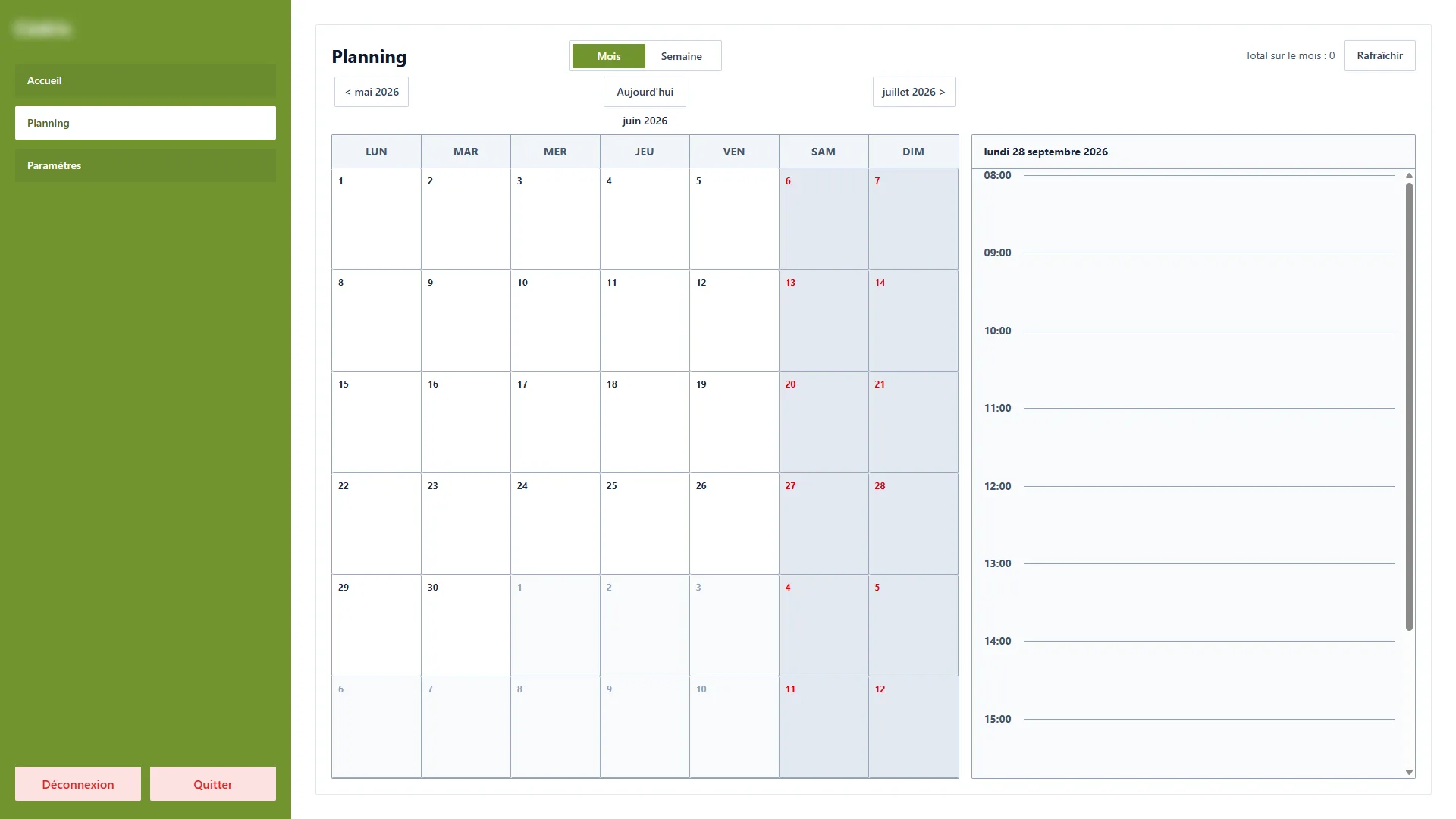
Customer records, opportunities, jobs, schedules, quotes, documents and history available when needed.
References, users, inventory, equipment or business steps brought together in a clear interface.
Custom management softwareRepetitive entry, document generation, alerts and data transfers simplified when the process is suitable.
Business process automationAn interface available in a browser or installed on a workstation, depending on usage, constraints and context.
Custom business applicationConnections to a database, API, export or existing software when the available systems and permissions allow it.
The project should produce a solution that is understandable and usable by the people concerned. The exact content depends on the requirement discussed together.
The agreed screens, rules and journeys are brought together in a solution adapted to the relevant users.
Useful information is organised so it can be viewed, updated and used more easily.
Repetitive operations can be simplified or automated whenever this creates a genuine benefit.
Additional needs can be separated from the first version so the solution can evolve methodically.
Depending on your requirement, explore the pages about custom management software, custom business applications, automation, modernisation and our work.
Explore the available realisations and screenshots, with a factual description of each service.

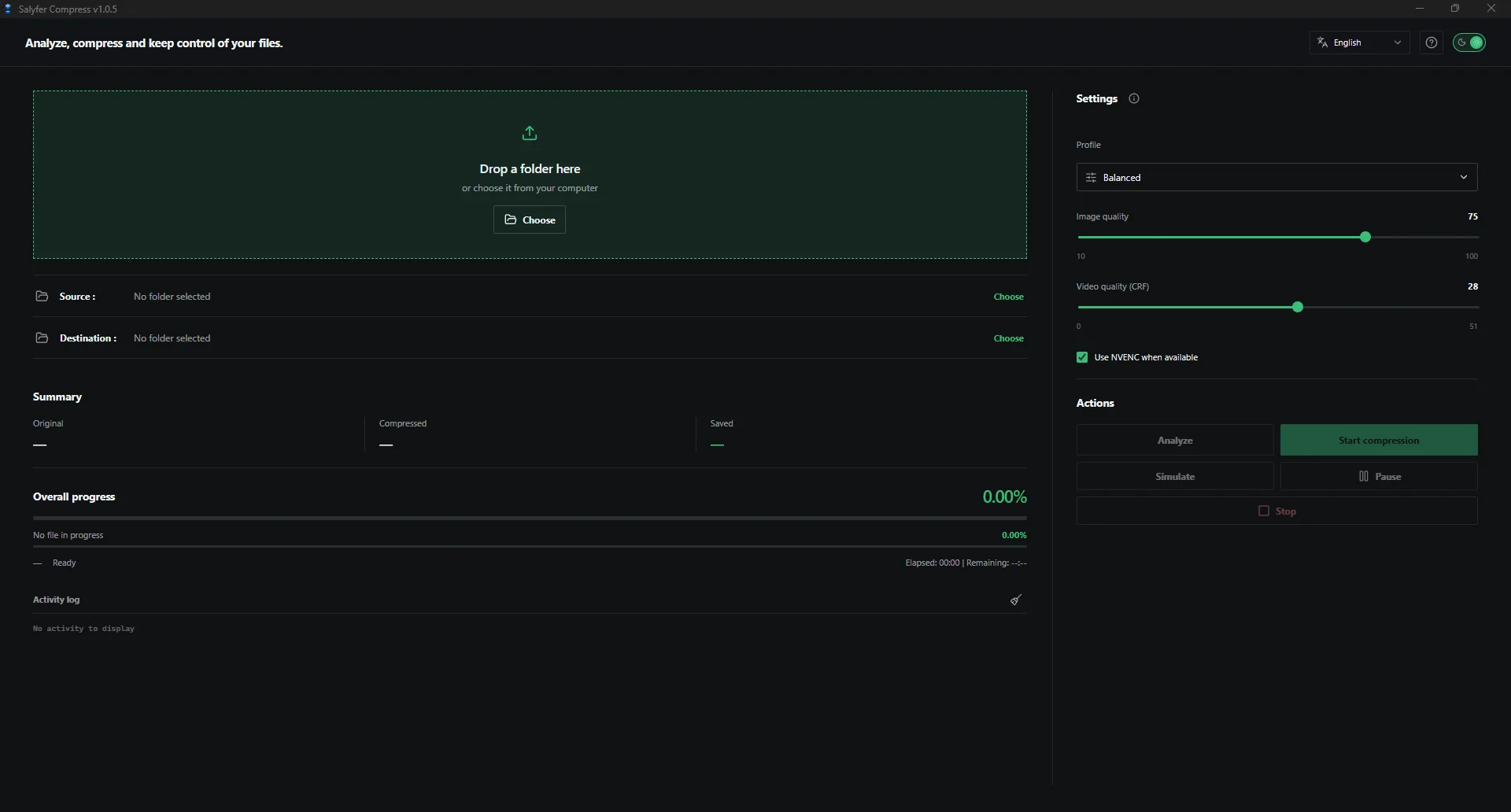
Optimize your disk space with powerful compression software designed to reduce the size of your media files and document...
Every project starts by understanding your current workflow, constraints and the result you want to achieve.
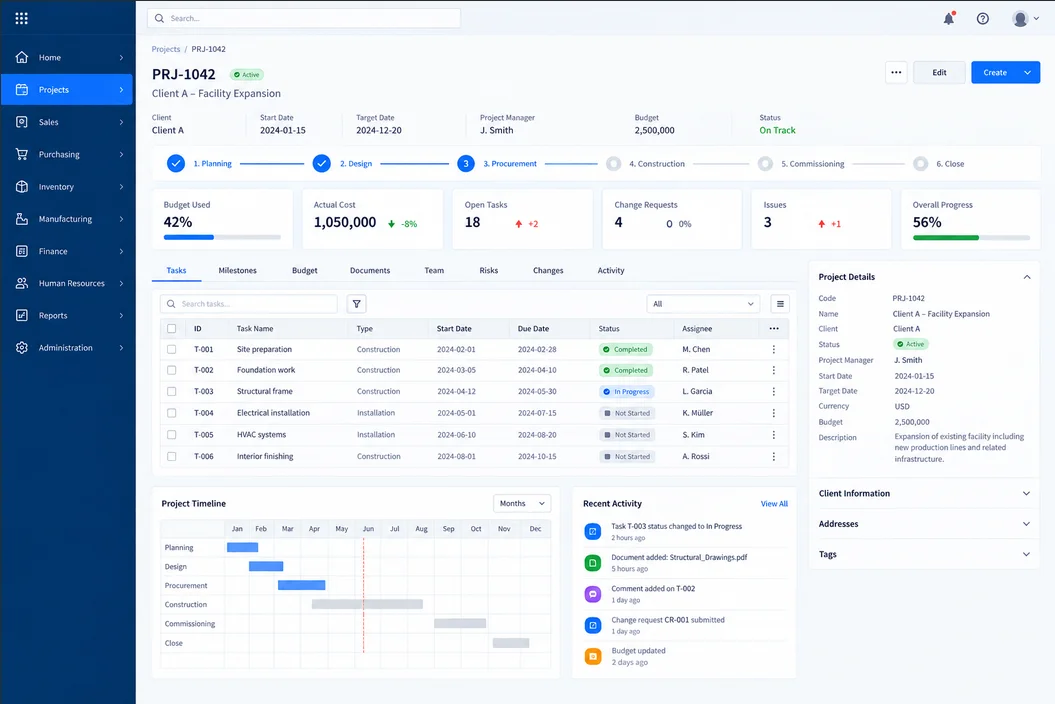
We describe your workflow, users, constraints, data and the result you expect.
The software is built around the priority functions and checked with you.
The selected version is prepared for use in your environment and by the people concerned.
After implementation, fixes and new features are considered according to your needs.
The first discussion is used to understand the request. If a detailed study is needed, its content is defined separately in a quote.
BeTechInfo supports businesses that want a tool adapted to their work, wherever they are based in France.
A software project does not start with code. It starts by understanding the requirement. BeTechInfo supports the project from analysis to deployment in order to build a solution that fits the way your business works.
SMEs, craft businesses, industrial companies, engineering firms and other organisations whose standard tools do not properly cover the way they work.
Activity tracking, internal management, records, documents, inventory, data, integrations and some automation can be considered according to the requirement.
Yes, when the available systems, exports, APIs and permissions allow it. Integration is checked during requirement analysis.
Yes. Further changes can be considered after the first version when requirements, users or the business change.
Cost depends on the scope, features, integrations and complexity of the project. A reliable estimate starts with analysing the requirement, which is why the first discussion is used to clarify it.
Describe your business, current workflow, difficulties and desired outcome. We can then discuss the scope to be considered.
Request a quoteTell us about your business, current tools and the point that costs you time or visibility. We can clarify the requirement and discuss the next steps to consider.